
Introduction
Blockchain is no longer just hype it’s a foundational technology powering decentralized finance (DeFi), NFTs, and next-gen applications. Among blockchain platforms, Ethereum stands out because of its ability to run smart contracts.
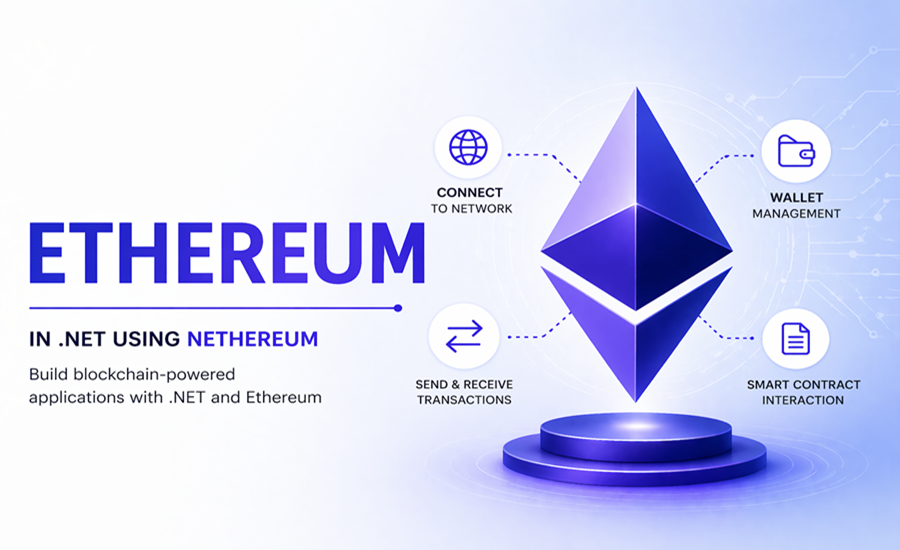
For .NET developers, the good news is that you don’t need to switch ecosystems. With Nethereum, you can interact with Ethereum directly from your C# applications. This article introduces how to integrate Ethereum into a .NET application using Nethereum. It walks through the basics of connecting to the blockchain, retrieving wallet balances, and sending transactions. Designed for .NET developers, it shows how to work with Web3 using familiar C# tools and patterns. The guide also includes a ready-to-use Visual Studio solution to help you get started quickly.
In this article, you’ll learn:
- How Ethereum works (quick overview)
- How to set up a .NET project
- How to connect to Ethereum blockchain
- How to send transactions
- How to interact with smart contracts
- A complete demonstration with code samples
What is Ethereum?
Ethereum is a decentralized platform that allows developers to build applications using smart contracts: self-executing programs stored on the blockchain.
Key components:
- ETH → Native cryptocurrency
- Smart Contracts → Business logic
- Wallets → Store private keys
- Nodes → Connect to the blockchain
What is Nethereum?
Nethereum is a .NET integration library that allows you to:
- Connect to Ethereum nodes
- Send transactions
- Deploy and interact with smart contracts
- Build blockchain-powered APIs
Prerequisites
Before starting:
- .NET 8 SDK installed
- Basic knowledge of C#
- Ethereum wallet (e.g., MetaMask)
- Free RPC endpoint from Infura or Alchemy
Step 1: Create Project
dotnet new webapi -n EthereumDemo
cd EthereumDemo
Install Nethereum:
dotnet add package Nethereum.Web3Step 2: Connect to Ethereum Network
using Nethereum.Web3;
var web3 = new Web3("https://mainnet.infura.io/v3/YOUR_INFURA_KEY");
var blockNumber = await web3.Eth.Blocks.GetBlockNumber.SendRequestAsync();
Console.WriteLine($"Current Block: {blockNumber.Value}");
Step 3: Send Ethereum Transaction
using Nethereum.Web3;
using Nethereum.Web3.Accounts;

var account = new Account("YOUR_PRIVATE_KEY");
var web3 = new Web3(account, "https://sepolia.infura.io/v3/YOUR_INFURA_KEY");

var transaction = await web3.Eth.GetEtherTransferService()
    .TransferEtherAndWaitForReceiptAsync(
        "RECEIVER_ADDRESS",
        0.01m);

Console.WriteLine($"Transaction Hash: {transaction.TransactionHash}");
Step 4: Interact with Smart Contract
Example: Reading a value from a contract
var web3 = new Web3("https://sepolia.infura.io/v3/YOUR_INFURA_KEY");

string contractAddress = "YOUR_CONTRACT_ADDRESS";

var contract = web3.Eth.GetContract(ABI, contractAddress);
var function = contract.GetFunction("getValue");

var result = await function.CallAsync<int>();
Console.WriteLine(result);
Step 5: API Controller
[ApiController]
[Route("api/[controller]")]
public class WalletController : ControllerBase
{
    private readonly IWeb3 _web3;

    public WalletController()
    {
        _web3 = new Web3("https://sepolia.infura.io/v3/YOUR_INFURA_KEY");
    }

    [HttpGet("balance/{address}")]
    public async Task<IActionResult> GetBalance(string address)
    {
        var balance = await _web3.Eth.GetBalance.SendRequestAsync(address);
        var ether = Web3.Convert.FromWei(balance.Value);

        return Ok(ether);
    }
}
Conclusion
Ethereum opens up a new paradigm of decentralized application development, and with Nethereum, .NET developers can seamlessly integrate blockchain into their existing systems. Whether you’re building fintech apps or experimenting with Web3, the combination of Ethereum + .NET is powerful and future-ready.
This article showed how to integrate Ethereum into a .NET app using Nethereum, covering connection, balance checks, and transactions. It demonstrates how .NET developers can work with blockchain using familiar tools. The provided Visual Studio solution gives a solid starting point for real-world Web3 applications.
For begineers I would recommend to start small connect to the blockchain, read some data, and gradually move toward smart contracts and decentralized applications.